Choose a plan
After you create your account and confirm your email, you may land on a page where you compare plans and finish checkout before setup continues.
Understanding the choices
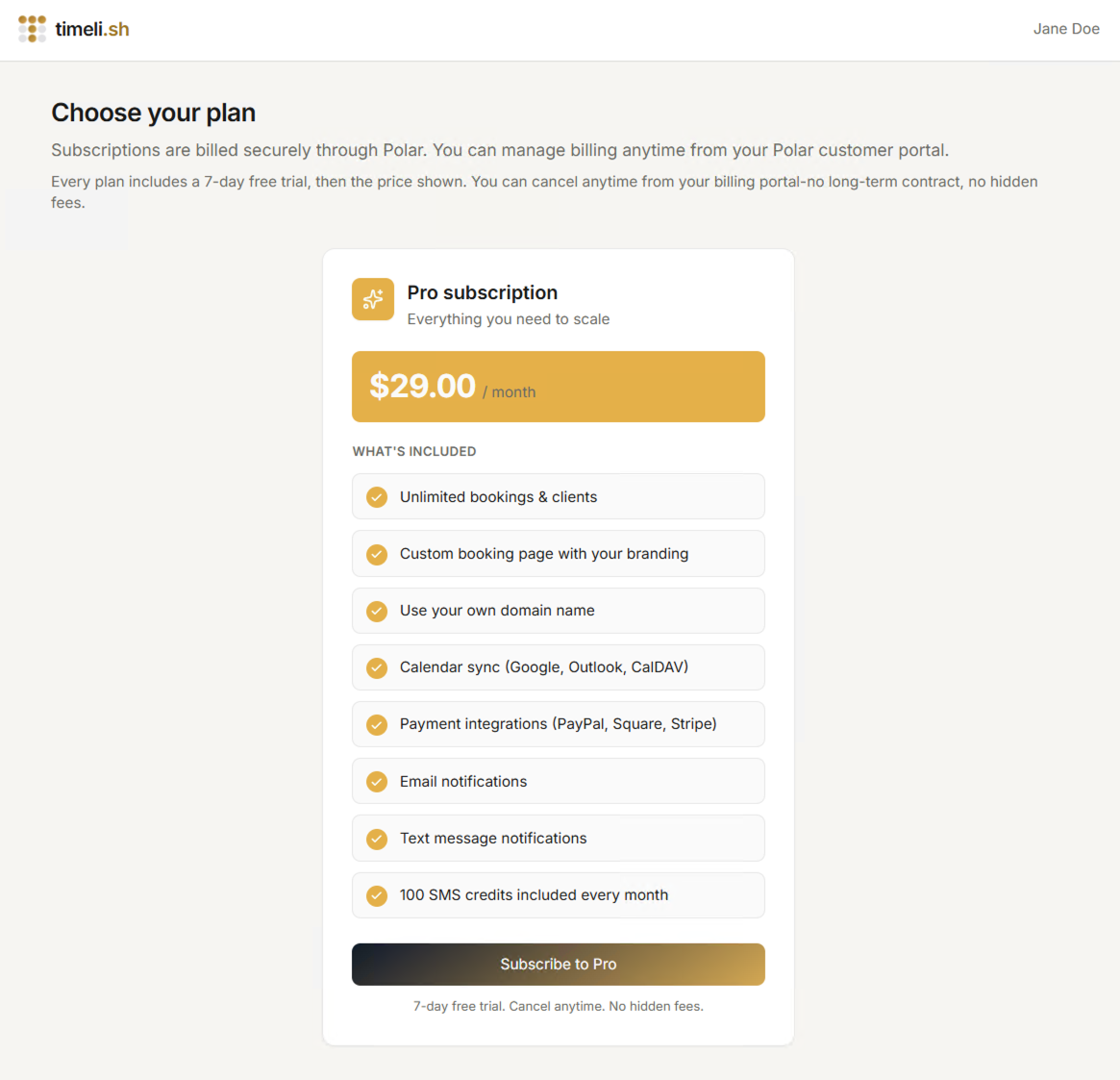
You can choose between Free and Pro:
- Free — get started at no cost with core booking, calendar sync, and email notifications. Includes up to 15 appointments per billing cycle.
- Pro — unlimited appointments, payments, SMS notifications, custom domain, financials, discounts, gift cards, and more.
Each plan card shows the price (Free is $0) and a short list of what is included.
Paying safely
When you pick a plan, Timelish sends you to a secure Polar checkout page. For Pro, you enter payment details there. Timelish does not store your card or bank details.
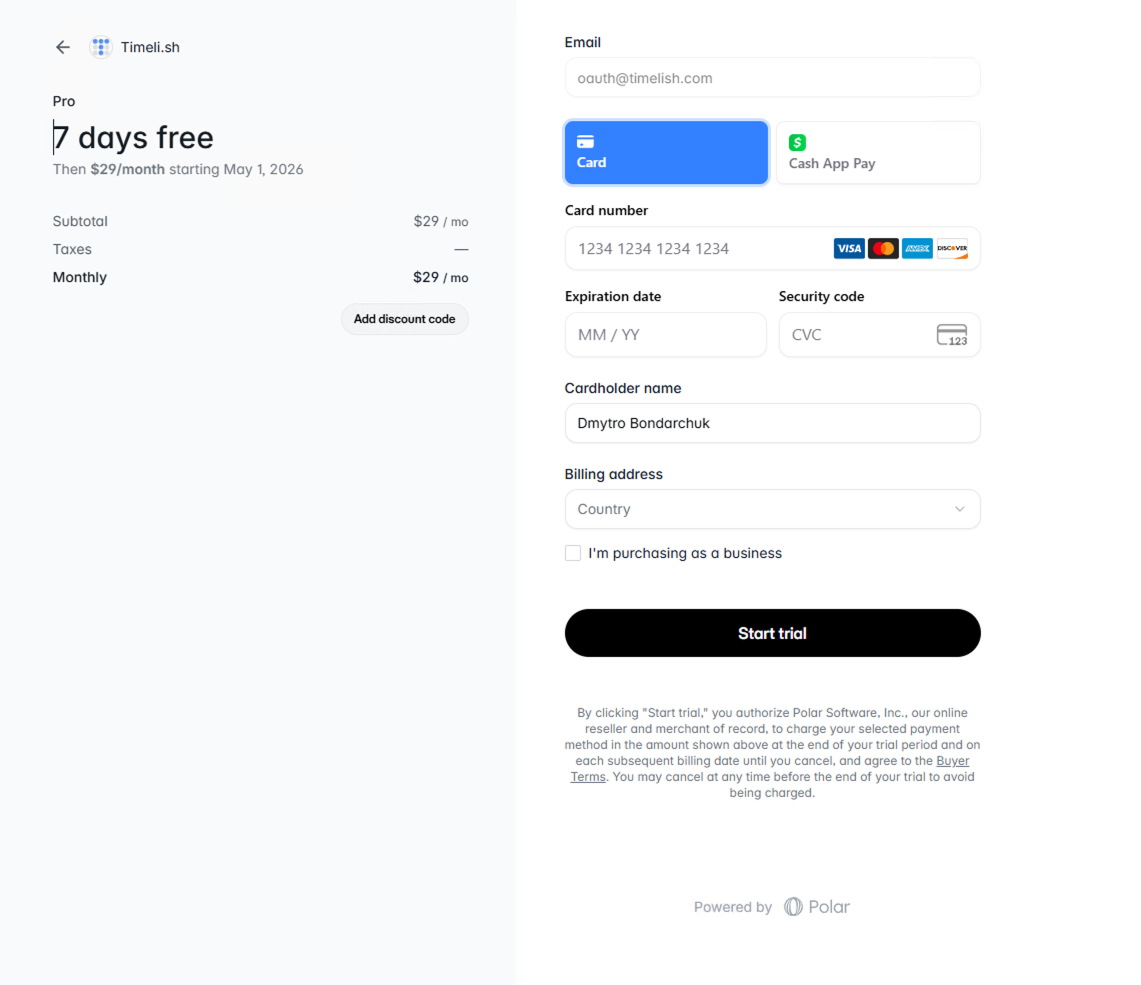
When checkout succeeds, Timelish takes you to Set up your workspace.
Changing your plan later
After setup, open Settings → Brand → General and use Manage plan to open the Polar customer portal. There you can upgrade from Free to Pro, downgrade, or update payment details.